
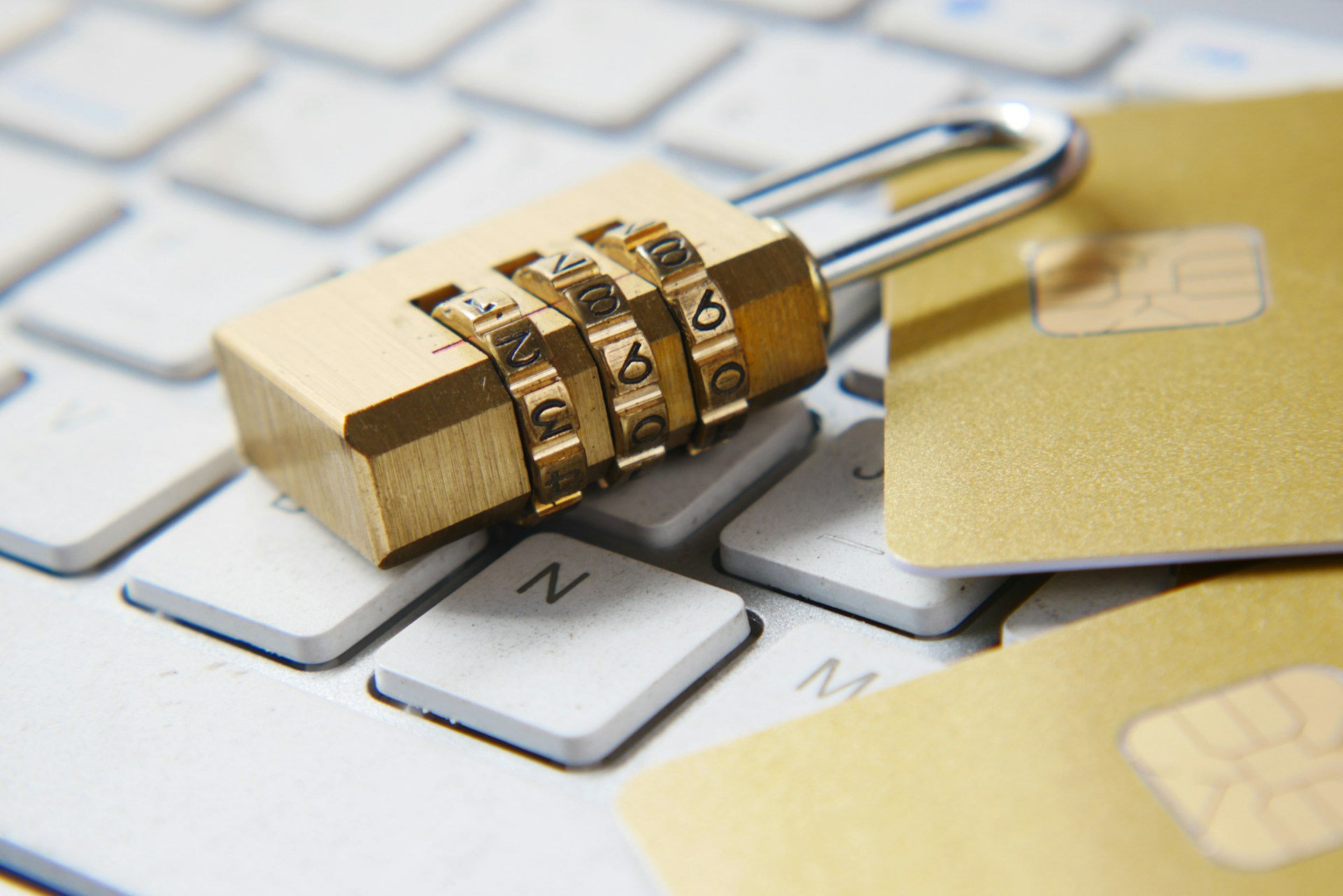
Identity theft can simply be defined as the crime of obtaining another person’s personal or financial information in order to make unauthorised transactions, access accounts, create new accounts, or perform fraudulent activities. The frequency of this crime has risen steadily, and criminals often use electronic means to obtain the personal information needed to commit it.
Any personal data is vital for ID theft and for crafting believable spear-phishing emails that appear to be sent from trusted sources. Through this activity, an attacker can gain control of the target device, enabling access to more PII (Personally Identifiable Information). Information such as age, salary, and phone numbers, among others, is critical for an identity thief to steal an identity.
The threat actor’s motives may include, but are not limited to, attempts to ruin reputation, create legal conundrums or cripple financial status. Attackers come in various forms, such as hacktivists, disgruntled former/current employees, and cybercriminals. All of these factors create a more complex cyber risk environment and therefore require greater vigilance by individuals to protect private information.
PERSONAL INFORMATION RELATED TO PERSONALLY IDENTIFIABLE INFORMATION
A mix of Identifiers/Credentials could constitute PII
MAIN IDENTIFIERS
ACCESS CREDENTIALS
PHYSICAL
Full Name/Previous Names
Account Numbers
Height
Address
eMail Addresses
Weight
Date of Birth
Medical Information
Eye Colour
Driver’s License Number
Biometric Information*
Race/Tribe
Phone Number
Mother’s Maiden Name
Gender
Travel Passport Number
Passwords/PINs
Eye Colour
*Common biometrics information includes: Fingerprints, Voice, Iris, Signatures, etc.
In 2015, the threat landscape was quite fierce. The threat is real, as evidenced by research from the US Department of Justice’s 2015 Victims of Identity Theft Report, which found that victims lost US$10 billion, and by data from Nigeria, where ID theft accounted for about 47% of total losses to cybercriminals in 2014. This unfortunate trend needs to be stopped, and the subsequent paragraphs will focus on how to mitigate identity theft using these triads: Systems Mitigations, Behavioural Mitigations, and Best Practices for Monitoring.
MITIGATIONS — SYSTEMS (Hardware, Software, Services)
There are several steps that can help protect hardware, software, and services against ID theft, including securing systems, limiting exposure (physical & logical), applying software restriction policies, and service partitioning. The areas that require keen interest include home networks, storage, games, mobile devices, eMail services, authentication and applications.
Home Network
Home networks are very personal, which is why they should be secure. In security, the best offence is a great defence. Home networks need consistent updates to patch against web infections. Basic antivirus software includes firewall capabilities, which go a long way toward eliminating threats. Browsers and browser plug-ins (e.g., Flash) must be updated; automatic updates should be enabled; and users may consider disabling Java in-browser. User privileges should be limited so that child and guest accounts are separate from the main account. Passwords should be changed periodically, and wireless access points and domain name servers should be made secure.
Storage (USB Flash Drives, SD Card, File Sharing, Backups, Hard Drives)
The media devices must be sanitised by scanning for viruses or reformatting. Autorun capability must be disabled, and media items should be accessed using non-privileged accounts (e.g. guest). Use document viewers to preview first instead of full applications. Before disposing of removable media, delete all data from a computer or smartphone, or physically destroy the media.
Games and Applications
Games from untrusted or unknown websites should not be downloaded or installed. Users should avoid entering their personal information during game installation, surveys, sweepstakes, promotions, and similar activities. Geo-location services should be turned off. The level of access privilege allowed by an application should be lowered. Opt out of any multi-sharing request between different applications, e.g. Twitter wanting to synchronise with Facebook and vice versa.
Authentication/Passwords
Most online services use password-based authentication by default. To achieve a high level of security, passwords should be complex and not reused across multiple accounts. Most services offer password reset questions based on various personal information. Often, these questions have answers that can facilitate ID theft when discovered. There are newer methods to mitigate these threats and create a robust authentication process, such as physical tokens widely used in the financial services sector. Many others support a second authentication factor, such as SMS with a passcode.
Email and Cloud
Emails or email attachments from untrusted sources should not be opened. Opening email attachments from untrusted sources can spread malware, and sensitive information can be accessed through phishing. For optimal protection, email filters must be enabled, and anti-malware and virus scanning must be enabled.
Mobile Devices
Physical control of the device must be maintained. A virus scanner should be installed to help detect any intrusion activity. Only install trusted applications. An integrity scan should be performed where applicable. Utmost caution must be applied when using public Wi-Fi networks. Bluetooth, Wi-Fi, and GPS technologies should be turned off when not in use. If the device is inactive, enable automatic screen locking.
MITIGATIONS — BEHAVIOURAL
ID Theft isn’t just a technical issue. Human behaviour is a complex subject, and it takes planning and effort for an attacker to obtain vital information from an ID theft victim.
Online Interactions
There are tons of impersonators on the Internet these days, and it’s of utmost importance to know who’s receiving your personal and financial information. Personally Identifiable Information shouldn’t be given out via phone or eMail unless you are the one initiating the communication or the contact is a trusted source. For example, if a bank claims you have an account with them and asks you to send a PII, do not click links in the email. Instead, access the company’s website from a browser and contact them directly through their customer support desk to confirm if the company sent the request or not.
Offline Interactions
The best form of security is physical security. Financial documents and unused bank cards should be locked in a safe. Before providing PII, inquire why it’s necessary. Furthermore, ask how the PII will be protected and the consequences of not sharing. Make sure you shred every piece of paper containing financial information or passwords that are no longer used. Before disposing of a computer or mobile device, ensure you wipe all data and disconnect the device from any cloud accounts.
Social Media
Social Media platforms are somewhat vulnerable these days, and users should avoid sharing too much information about their habits and interests, such as shopping or entertainment choices. Other information that should be minimised includes personal address and phone number. Do NOT accept invites from total strangers on social media platforms. Make sure you establish and maintain relationships with known people.
Travel
When travelling, it’s advisable to use cash to purchase personal items. Maintain a low profile when travelling. Friends and family should refrain from posting your travel plans on social media.